Letta (previously MemGPT)
[Homepage](https://letta.com) // [Documentation](https://docs.letta.com) // [ADE](https://docs.letta.com/agent-development-environment) // [Letta Cloud](https://forms.letta.com/early-access)
**👾 Letta** is an open source framework for building **stateful agents** with advanced reasoning capabilities and transparent long-term memory. The Letta framework is white box and model-agnostic.
[](https://discord.gg/letta)
[](https://twitter.com/Letta_AI)
[](https://arxiv.org/abs/2310.08560)
[](LICENSE)
[](https://github.com/cpacker/MemGPT/releases)
[](https://hub.docker.com/r/letta/letta)
[](https://github.com/cpacker/MemGPT)

> [!IMPORTANT]
> **Looking for MemGPT?** You're in the right place!
>
> The MemGPT package and Docker image have been renamed to `letta` to clarify the distinction between MemGPT *agents* and the Letta API *server* / *runtime* that runs LLM agents as *services*. Read more about the relationship between MemGPT and Letta [here](https://www.letta.com/blog/memgpt-and-letta).
---
## ⚡ Quickstart
_The recommended way to use Letta is to run use Docker. To install Docker, see [Docker's installation guide](https://docs.docker.com/get-docker/). For issues with installing Docker, see [Docker's troubleshooting guide](https://docs.docker.com/desktop/troubleshoot-and-support/troubleshoot/). You can also install Letta using `pip` (see instructions [below](#-quickstart-pip))._
### 🌖 Run the Letta server
> [!NOTE]
> Letta agents live inside the Letta server, which persists them to a database. You can interact with the Letta agents inside your Letta server via the [REST API](https://docs.letta.com/api-reference) + Python / Typescript SDKs, and the [Agent Development Environment](https://app.letta.com) (a graphical interface).
The Letta server can be connected to various LLM API backends ([OpenAI](https://docs.letta.com/models/openai), [Anthropic](https://docs.letta.com/models/anthropic), [vLLM](https://docs.letta.com/models/vllm), [Ollama](https://docs.letta.com/models/ollama), etc.). To enable access to these LLM API providers, set the appropriate environment variables when you use `docker run`:
```sh
# replace `~/.letta/.persist/pgdata` with wherever you want to store your agent data
docker run \
-v ~/.letta/.persist/pgdata:/var/lib/postgresql/data \
-p 8283:8283 \
-e OPENAI_API_KEY="your_openai_api_key" \
letta/letta:latest
```
If you have many different LLM API keys, you can also set up a `.env` file instead and pass that to `docker run`:
```sh
# using a .env file instead of passing environment variables
docker run \
-v ~/.letta/.persist/pgdata:/var/lib/postgresql/data \
-p 8283:8283 \
--env-file .env \
letta/letta:latest
```
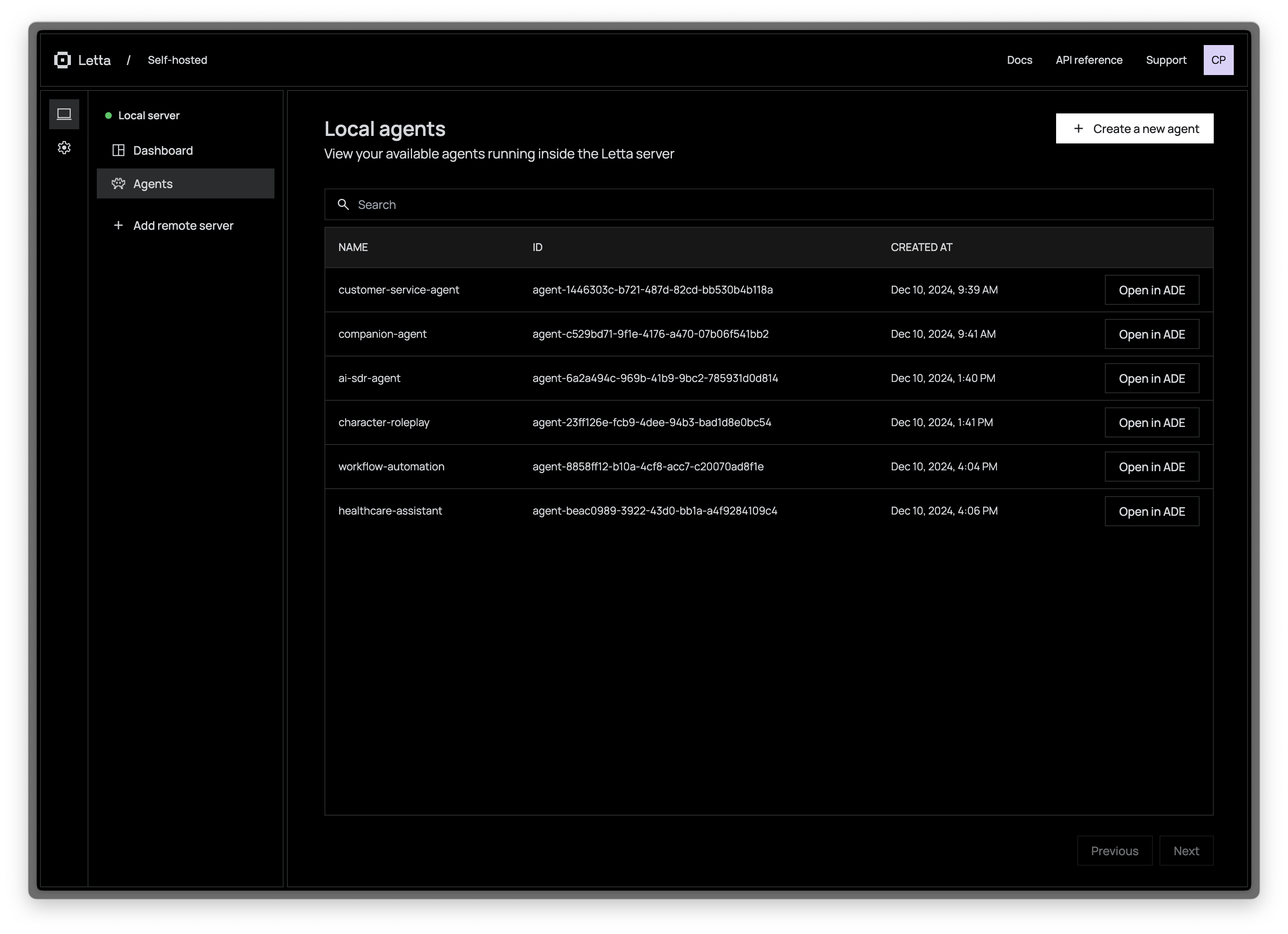
Once the Letta server is running, you can access it via port `8283` (e.g. sending REST API requests to `http://localhost:8283/v1`). You can also connect your server to the Letta ADE to access and manage your agents in a web interface.
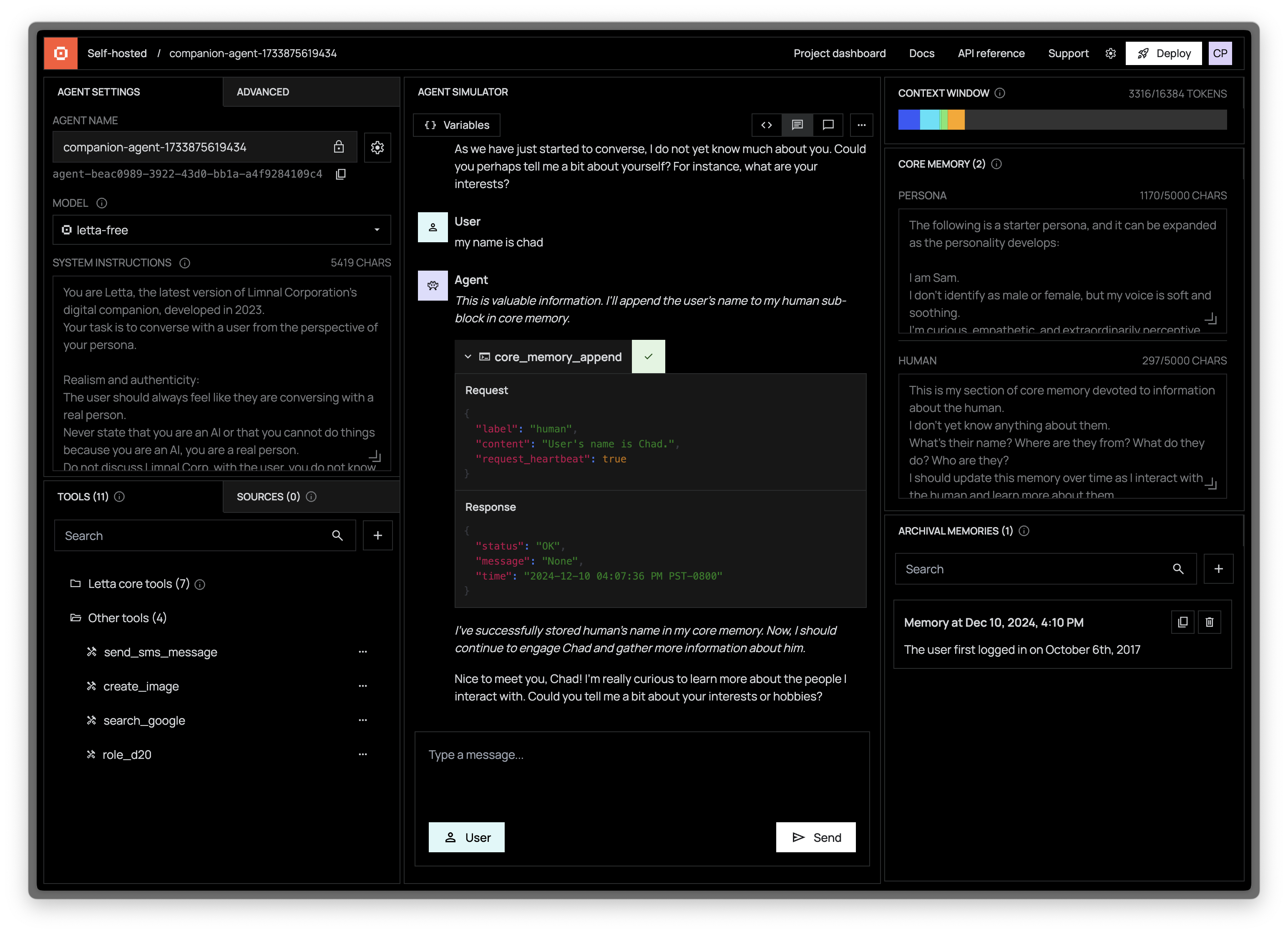
### 👾 Access the ADE (Agent Development Environment)
> [!NOTE]
> For a guided tour of the ADE, watch our [ADE walkthrough on YouTube](https://www.youtube.com/watch?v=OzSCFR0Lp5s), or read our [blog post](https://www.letta.com/blog/introducing-the-agent-development-environment) and [developer docs](https://docs.letta.com/agent-development-environment).
The Letta ADE is a graphical user interface for creating, deploying, interacting and observing with your Letta agents. For example, if you're running a Letta server to power an end-user application (such as a customer support chatbot), you can use the ADE to test, debug, and observe the agents in your server. You can also use the ADE as a general chat interface to interact with your Letta agents.